
Realme UI 7 Update for Realme P4 Pro: Android 16 Features, Performance & Battery Improvements in 2025
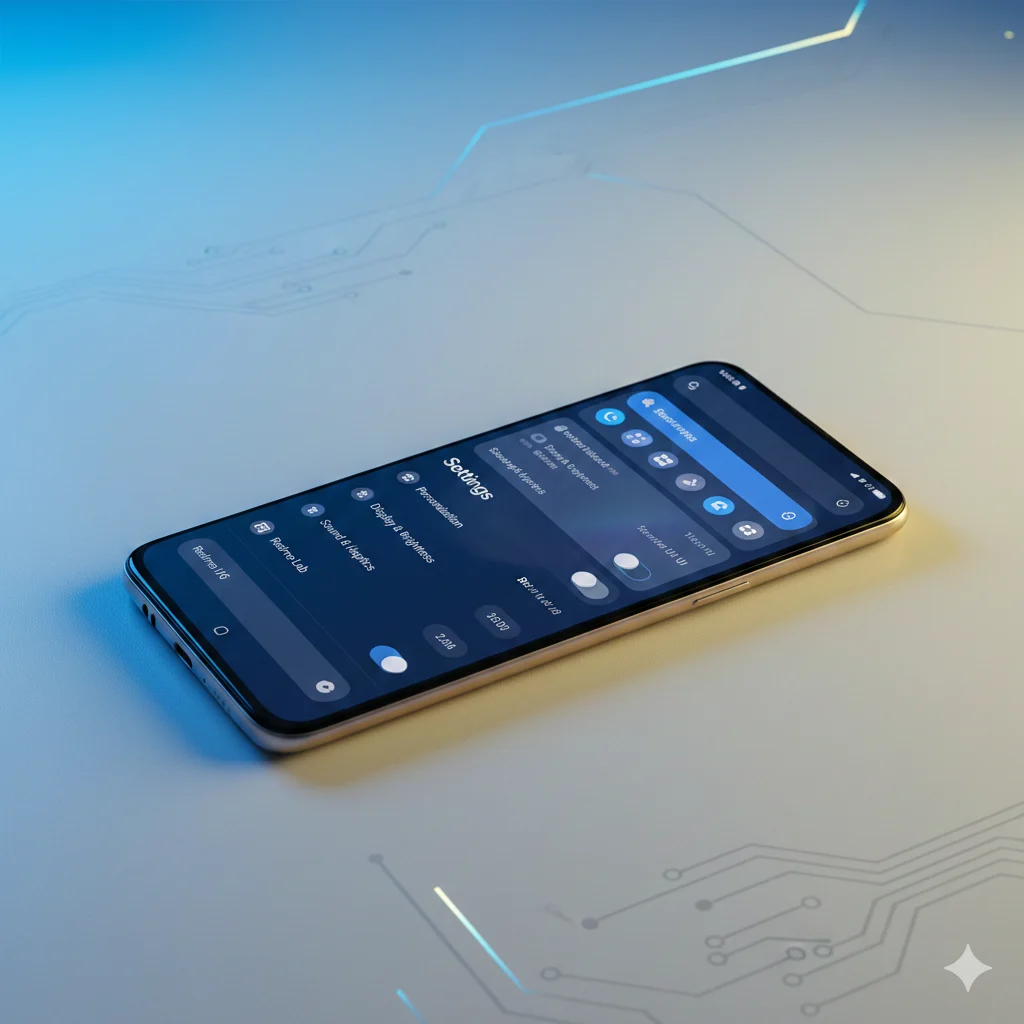
Realme UI 7 update based on Android 16 has finally started rolling out for Realme P4 Pro users in India. This is a significant software upgrade that brings fresh design elements, better customization options, improved battery performance, and several AI-powered features to the device.
If you own a Realme P4 Pro or any other Realme smartphone, this detailed guide will help you understand what’s new in Realme UI 7, how the update affects daily performance, battery backup improvements, and when your device will receive this update. We’ll cover everything from the frosted glass effects inspired by iOS to the enhanced notification panel, lock screen customization, and real-world performance changes after the update. Whether you’re confused about updating now or waiting, this article has all the answers you need.
Key Specifications at a Glance
| Specification | Details |
|---|---|
| Update Version | Realme UI 7 (Android 16 Based) |
| Device | Realme P4 Pro |
| Battery | 7000mAh |
| Current Status | Beta Rollout Started |
| Key Features | Frosted Glass UI, AI Gallery Editor, Enhanced Customization |
| Battery Backup | 9+ Hours (Mixed 5G & WiFi Usage) |
| Gaming Support | 90fps Gaming Supported |
| Price (India) | ₹19,999 onwards |
Design & UI Changes in Realme UI 7
Frosted Glass Effect – iOS Inspired Look
The most noticeable change in Realme UI 7 is the frosted glass effect that Realme has borrowed from iOS. This translucent blur effect appears throughout the interface – in the notification panel, home screen dock bar, and various other areas.
You can toggle this effect on or off based on your preference. While some users will appreciate the premium glass-like appearance, others might prefer the cleaner look of the previous version. The choice is entirely yours.
Settings Page Redesign
The settings page has received a visual refresh with new Android 16 animations. Navigation feels slightly smoother, and the overall layout appears more organized than before. It’s not a dramatic overhaul, but the subtle improvements make the experience feel more polished.
Notification Panel Improvements
Realme UI 7 brings meaningful improvements to the notification panel. The quick settings tiles are now more customizable – you can edit the larger tiles according to your needs.
Key improvements include:
- Volume and brightness sliders placed side by side
- Ability to customize slider arrangement
- Better organized notification layout
- Smoother pull-down animations
This level of customization was missing in earlier versions, and power users will definitely appreciate having more control over their notification panel setup.
Home Screen Customization Features
Widget Enhancements
The widget library has expanded significantly with Realme UI 7. You’ll find new widget designs across various categories. Resizing widgets is smoother now, and you can adjust them to fit your home screen layout perfectly.
Icon Size and Shortcuts
You can now change icon sizes more freely. After enlarging app icons, there’s an option to add shortcuts directly to them – a genuinely useful feature for quick access to specific app functions.
App Drawer with Category Organization
Realme has added an iOS-inspired app drawer that organizes applications by categories. This makes finding apps easier, especially if you have dozens of applications installed on your device.
Lock Screen Customization
This is where Realme UI 7 truly shines. The lock screen customization options are extensive and impressive.
Available customizations:
- Clock style and size adjustments
- Multiple theme options including new Flux themes
- Depth effect for wallpapers
- Icon customization
- Various visual effects
However, the full-screen Always-On Display (AOD) feature is reserved for premium Realme devices and isn’t available on the P4 Pro. This is a minor disappointment for those expecting the complete flagship experience.
Performance & Gaming After Update
Benchmark Scores
Looking at before and after benchmark comparisons, there’s no major jump in raw performance numbers. The AnTuTu scores remain largely similar, and CPU throttling tests show consistent results.
Real-World Performance
Where you’ll actually notice improvement is in everyday usage. The minor frame drops that occasionally occurred before have been addressed. The phone feels more consistent during regular tasks like scrolling, app switching, and multitasking.
Gaming Performance
90fps gaming was possible before the update, and it continues to work smoothly after Realme UI 7. There’s no performance regression, which is important for gamers who were worried about stability after a major OS update.
Battery Life & Charging Improvements
This is perhaps the most significant real-world improvement after the Realme UI 7 update.
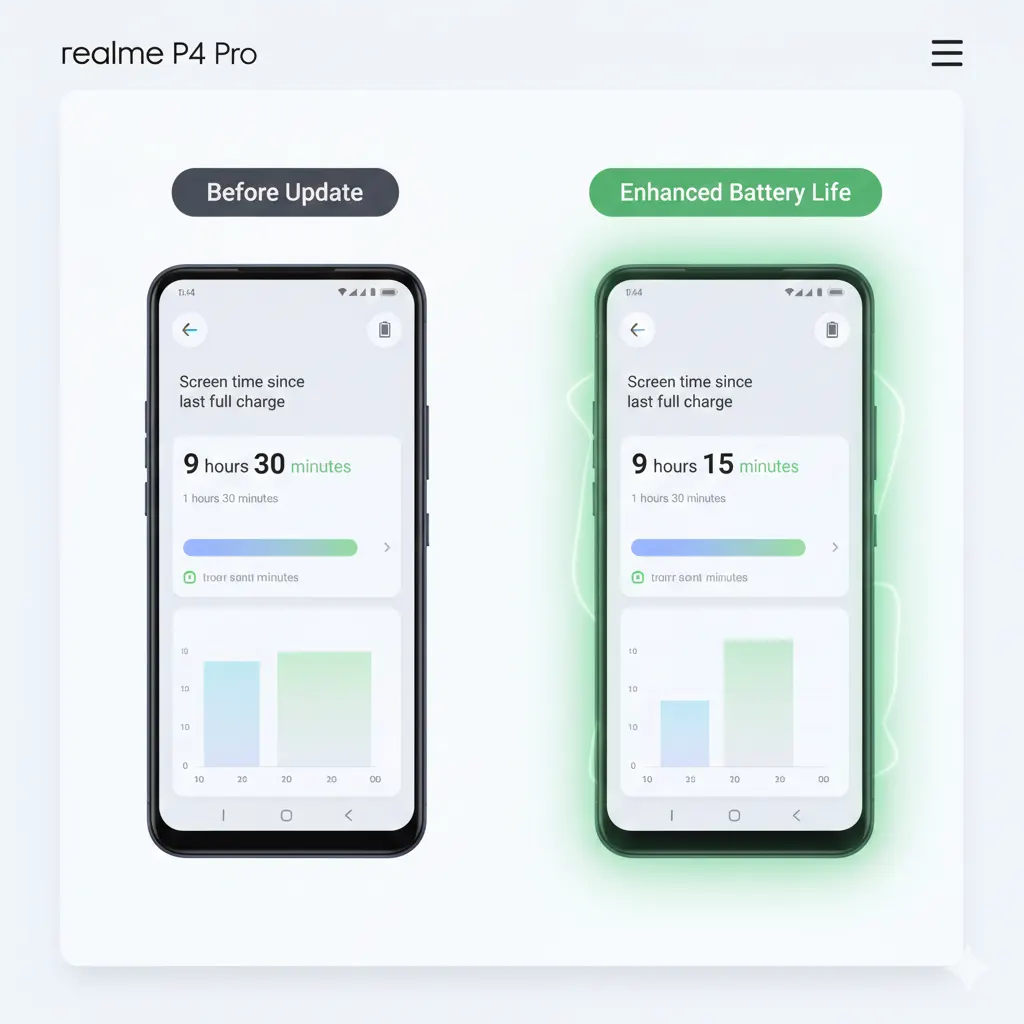
| Aspect | Before Update | After Update |
|---|---|---|
| Battery Capacity | 7000mAh | 7000mAh |
| Screen-On Time | Average | 9+ Hours |
| Usage Pattern | Mixed 5G/WiFi | Mixed 5G/WiFi |
| Improvement | – | Noticeable |
The 7000mAh battery now delivers over 9 hours of screen-on time with mixed 5G and WiFi usage. Battery optimization in Realme UI 7 seems to be working effectively, making the P4 Pro an even better choice for users who prioritize battery life.
The battery settings page has also been redesigned with better visual representation of usage patterns.
AI Features in Realme UI 7
What’s Included
Realme UI 7 includes a dedicated AI page in settings with several features:
Gallery AI Editor:
- Multiple editing options
- Works reliably
- Useful for everyday photo editing
Notes AI Features:
- Similar to previous implementation
- Basic AI assistance for note-taking
What’s Missing
The premium AI features found in flagship Realme and OnePlus devices are not available here:
- AI Writer (available in ColorOS on flagships)
- AI Call Translation
- AI Call Assistant
For a mid-range device, the AI offerings are acceptable but not groundbreaking. If you need advanced AI features, you’ll need to look at higher-priced Realme or OnePlus phones.
Camera Performance After Update
Based on sample shots taken after the update, camera performance remains consistent with pre-update quality. There’s no dramatic improvement or degradation – if you were satisfied with the P4 Pro’s camera before, you’ll continue to get similar results.
The camera was already capable before the update, and it maintains that standard after Realme UI 7 installation.
Software & Update Status
Current Rollout Status
The Realme UI 7 update for P4 Pro is currently in beta phase. The official stable rollout will take some more time.
How to Check for Update
- Go to Settings
- Navigate to Software Update
- Check for available updates
If the update isn’t showing yet, wait for a few days. Realme rolls out updates in batches, so your device will receive it gradually.
Update Timeline for Other Realme Devices
Realme has published an official timeline for Realme UI 7 rollout across different devices. Check the official Realme community forums for the complete schedule applicable to your specific device.
Comparison: Realme UI 7 vs OnePlus OxygenOS
| Feature | Realme UI 7 (P4 Pro) | OnePlus OxygenOS |
|---|---|---|
| App Animations | Good | Slightly Better |
| Customization | Extensive | Extensive |
| AI Features | Basic | More Advanced |
| Frosted Glass Effect | Available | Available |
| Performance | Stable | Stable |
The app opening and closing animations on OnePlus devices are still slightly better than what Realme UI 7 offers. If Realme could bring those smoother transitions to their UI, it would significantly enhance the overall experience.
Pros & Cons
| Pros | Cons |
|---|---|
| Significantly improved battery backup | No full-screen AOD |
| Extensive lock screen customization | Limited AI features compared to flagships |
| Frosted glass effect adds visual appeal | App animations could be smoother |
| Better notification panel controls | Currently in beta phase |
| Stable performance maintained | No major camera improvements |
| Useful AI gallery editing tools | Some features reserved for premium devices |
Who Should Update to Realme UI 7?
Ideal For:
- Users who prioritize battery life
- Those who enjoy customizing their phone’s appearance
- People who want the latest Android 16 features
- Users who found minor stutters in the previous version
Should Wait:
- Users who need 100% stable software (wait for stable release)
- Those satisfied with current performance and don’t want changes
- People who might face issues with specific apps after major updates
FAQs
Q1: Is Realme UI 7 update available for Realme P4 Pro in India?
Yes, the Realme UI 7 update based on Android 16 has started rolling out for Realme P4 Pro users in India. Currently, it’s in beta phase with stable rollout expected soon.
Q2: How much battery backup does Realme P4 Pro give after Realme UI 7 update?
After the Realme UI 7 update, Realme P4 Pro delivers over 9 hours of screen-on time with mixed 5G and WiFi usage, which is a noticeable improvement over the previous version.
Q3: Does Realme UI 7 support 90fps gaming on P4 Pro?
Yes, 90fps gaming continues to work smoothly on Realme P4 Pro after the Realme UI 7 update with no performance issues.
Q4: What AI features are available in Realme UI 7 for P4 Pro?
Realme UI 7 on P4 Pro includes AI gallery editing tools and basic notes AI features. Advanced AI features like AI Writer and AI Call Translation are not available.
Q5: When will my Realme device get Realme UI 7 update?
Realme has published an official rollout timeline. Check the Realme community forums or your device’s software update section for specific dates applicable to your model.
Q6: Can I disable the frosted glass effect in Realme UI 7?
Yes, the frosted glass effect can be toggled on or off from the settings according to your preference.
Q7: Is full-screen AOD available in Realme UI 7 on P4 Pro?
No, full-screen Always-On Display is reserved for premium Realme devices and is not available on the P4 Pro.
Q8: Does Realme UI 7 improve camera quality on P4 Pro?
Camera performance remains consistent with pre-update quality. There’s no major improvement or degradation after the update.
Final Verdict
Realme UI 7 based on Android 16 is a meaningful upgrade for Realme P4 Pro users. While it doesn’t bring revolutionary changes, the improvements in battery life, customization options, and overall smoothness make it worth installing.
The Good: Battery backup improvement is the standout benefit – going from average to 9+ hours is significant. Lock screen and notification panel customizations add real value to daily usage. The frosted glass aesthetic gives the UI a fresh, modern look.
The Not-So-Good: AI features are limited compared to flagship devices, app animations could still be better, and some premium features like full-screen AOD remain exclusive to higher-end models.
Buying Recommendation: If you’re considering the Realme P4 Pro, this update makes it an even better value proposition. For existing users, updating is recommended once the stable version rolls out. The battery improvement alone justifies the update for most users.
For more smartphone updates, reviews, and tech news, stay connected with Techzing.in